 Mini-Module

Summary
The Splunk module provides structured coverage of essential concepts and techniques in Splunk. The module covers topics including Add Data to Splunk, Alerts on Splunk, Creating and Managing Splunk Reports, Dashboards, Introduction to Splunk, and more.
Recommended prior knowledge:
- General understanding of cybersecurity concepts
Introduction to Splunk
What is Splunk?
Splunk is the data platform that powers enterprise observability, unified security, and limitless custom applications in hybrid environments. Splunk is one of the most popular security solutions in the cybersecurity industry. This is why we'll show you how this product works.
Requirements
Sizing
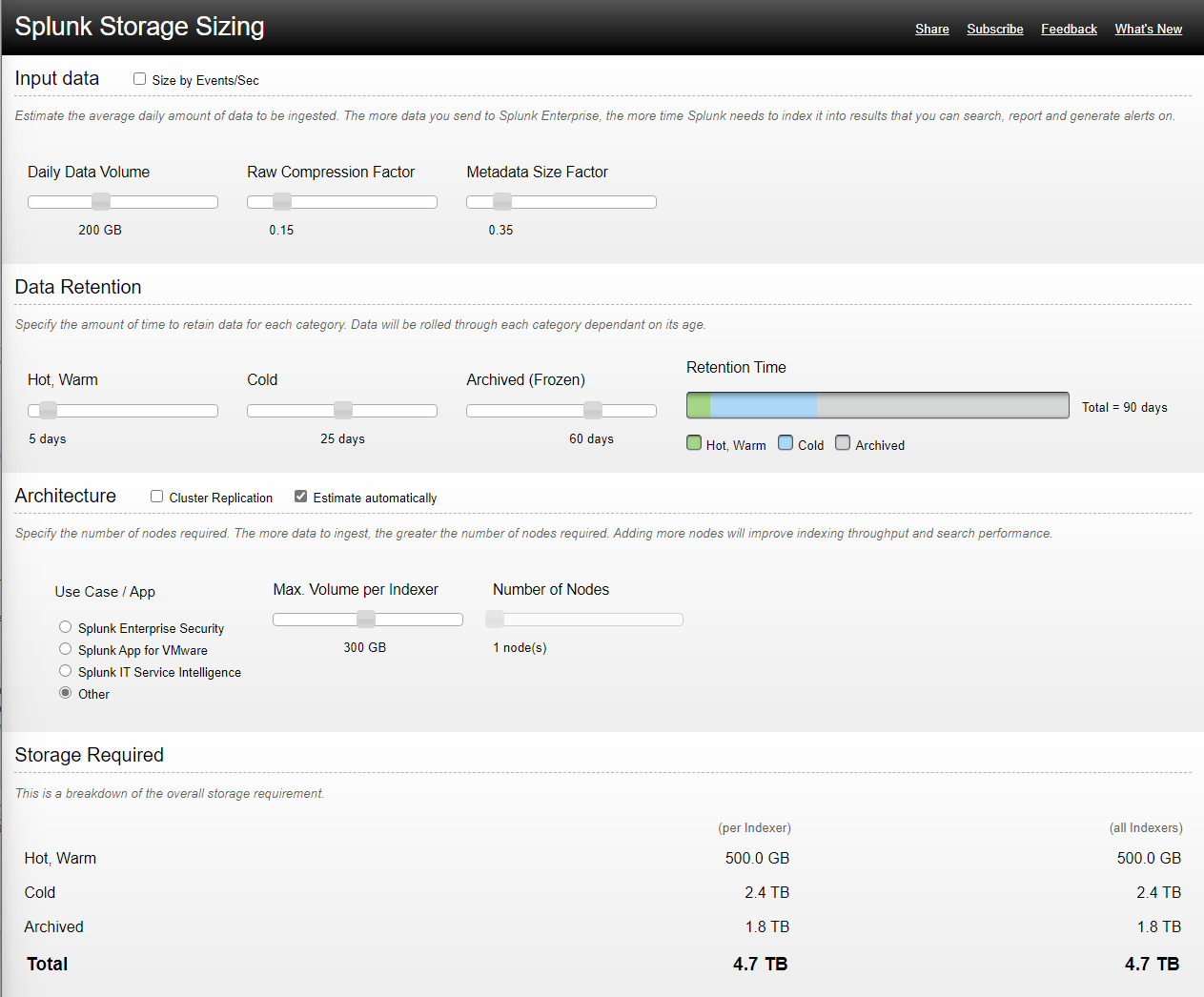
To help you define your Splunk Server's sizing, you can use Splunk Sizing on this website.
System Requirements
The official documentation gives you the system requirements for Splunk Enterprise on-premises here: Splunk Requirements
Ports
Don't forget to open ports on your firewall. The default ports needed are:
-9997 for forwarders to the Splunk indexer
-8000 for clients to the Splunk Search page
-8089 for splunkd (also used by deployment server)
If needed more check this: Splunk Common Network Ports v2.0.3

NOTE: After 60 days you can convert to a perpetual free license

This module was produced by Julien Garcia. You can find his social media accounts below.