 Mini-Module
Summary
The Practical Windows Forensics module is designed for incident response team members, Aspiring digital forensic analysts, IT security professionals, and Anyone interested in learning Windows forensics. Throughout this module, students will develop an understanding of core principles of Windows forensics, proficiency in utilizing key forensic tools and software for Windows analysis, the ability to analyze file systems and recover deleted data, interpret and utilize system logs for forensic purposes, and conduct comprehensive digital investigations on Windows platforms.
Recommended prior knowledge:
-
Basic understanding of Windows operating systems
-
Fundamental knowledge of computer networks
Introduction to Practical Windows Forensics
As the digital world continues to expand, there has been a significant increase in cybercrime and security breaches. This further increases the importance of digital forensics, which involves collecting, analyzing, and reporting digital evidence. This module is designed to equip learners with the skills to apply digital forensics techniques on Windows, one of the most widely used operating systems in the world. During this module, you will learn the fundamentals of digital forensics and gain an in-depth understanding of the forensic analysis methods and tools that are specific to the Windows operating system.
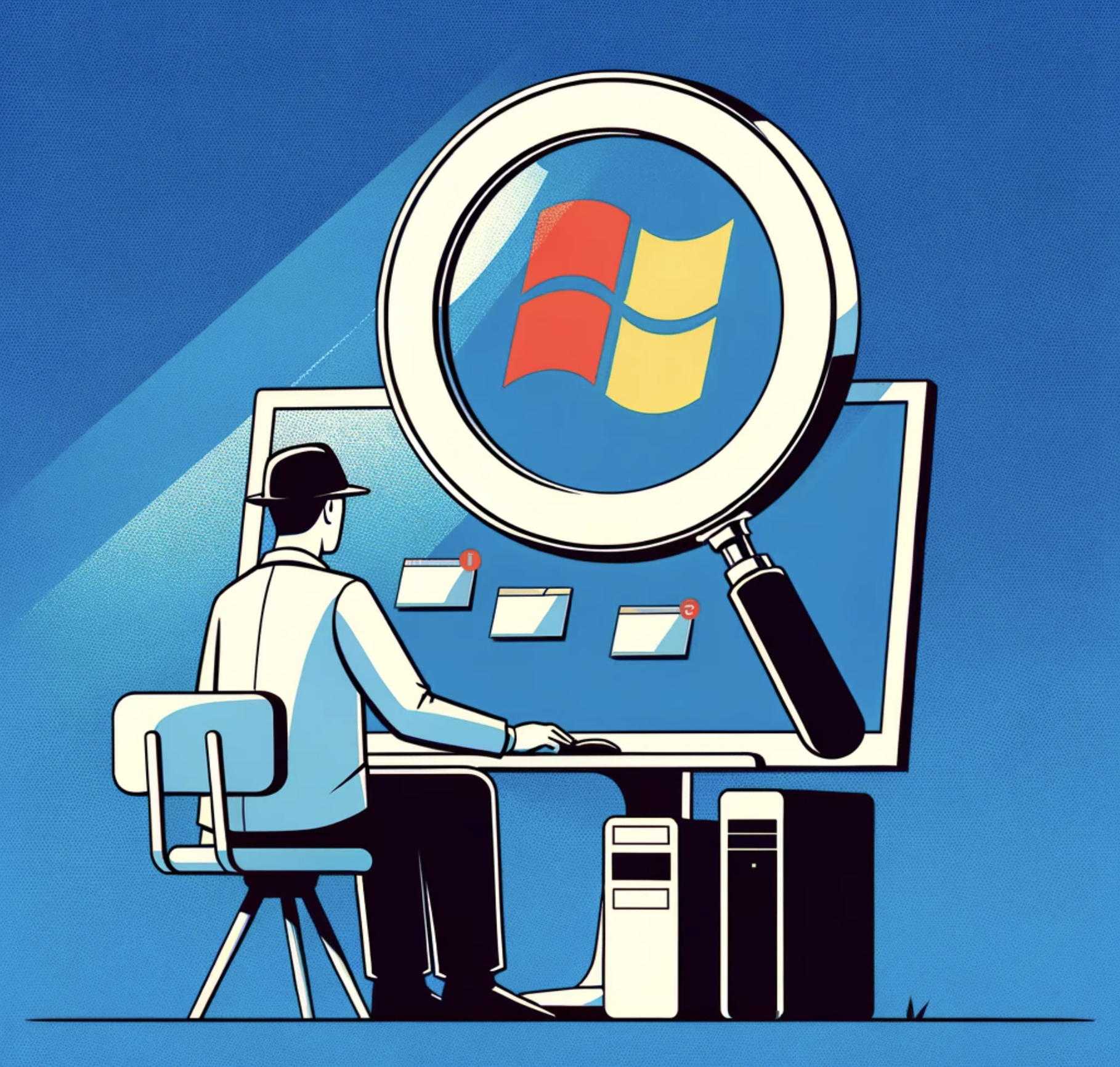
This module is designed for those interested in learning the fundamentals of digital forensics and gaining the ability to perform forensic analysis on the Windows operating system. In addition to the fundamentals, the module covers the following topics in detail.
Windows Live Response
It is becoming increasingly important in digital forensic investigations to collect data from a live system. In this module, you will learn how to collect critical information from a live Windows system, the forensic value of that information, and the technical aspects of the process. This information is essential for incident response teams to understand the incident and determine response procedures.
Windows File Systems
The Windows operating system supports several file systems; NTFS, FAT, and exFAT. This module focuses on the structure and characteristics of these file systems and how to analyze them in forensic investigations. It will also cover how file systems can be used in forensic investigations and how to access hidden data in file systems.
Analyzing Disk Images
Analyzing disk images is critical to forensic investigations because these images serve as complete copies of the original media to help preserve the integrity of criminal evidence. Techniques such as data recovery, deleted file recovery, and system log analysis are used to obtain information from disk images.
Windows Event Log Analysis
Windows event logs provide detailed information about system errors, security breaches, system alerts, and other important events that occur. This section focuses on the role of event logs in forensic investigations, how to analyze log files, and how to obtain forensic evidence from log files. Learners will gain the skills to effectively use log files to create a chronology of events and identify the source of security breaches.
Windows Registry Forensics
The Windows registry holds rich information about the operating system, applications, and user activities. This section covers the structure of the registry, how to use it in forensic analysis, and the registry keys that are important in forensic investigations. So, participants will learn how to extract critical details about system configuration, user activity, and program installations by diving deep into the registry.
Windows Evidence Acquisition Tools & Techniques
This section covers the tools and techniques for collecting digital evidence in the Windows operating system. Topics such as disk imaging, memory dumping, and data collection from a live system are covered in detail. By learning how to use various tools and techniques, learners will develop effective skills for collecting evidence in any scenario.
Throughout the module, the above titles are covered as the fundamental cornerstones for performing digital forensic analysis on Windows. Each section is prepared to provide learners with in-depth knowledge through practical applications and real-world scenarios, as well as theoretical knowledge. Upon completion of this module, you will be able to perform effective and comprehensive digital forensic examinations on the Windows operating system.
This section was a brief review of the module content. In the next section, Windows Live Response will be explained.