 Mini-Module

Summary
The Introduction to IDA module is designed for
- Cybersecurity professionals, - Reverse engineers, and
- Malware analysts. Throughout this module, students will develop
- Understand the basic concepts and features of IDA, - Gain proficiency in using IDA's interface for reverse engineering tasks, - Develop the ability to analyze and comprehend disassembled code, and
- Apply practical knowledge to tackle real-world scenarios in malware analysis and software debugging.
Recommended prior knowledge:
-
Familiarity with computer architecture
-
Knowledge of cybersecurity fundamentals
Introduction
Overview
This module is designed to take you deeper into the world of binary analysis through IDA Free, the industry-standard interactive disassembler. Building on foundational reverse engineering concepts, we will explore the powerful features of IDA to transform compiled code into readable assembly language and pseudocode, utilizing its cloud-based decompiler for in-depth analysis.
The module focuses on understanding program structure and behavior through static and dynamic analysis techniques. You will learn to navigate the IDA Free interface and utilize its extensive features to examine compiled binaries. By the end, you'll have developed essential skills required for malware analysis and vulnerability research which are core competencies for professional reverse engineers.
Throughout this module, you'll engage in numerous practical exercises to apply your IDA skills to binaries. These hands-on practices will let you put techniques into practice right away as you learn them, which reinforces theoretical concepts through direct application.
Prerequisites
Before diving into IDA, you should have a good grasp of the following key concepts:
-
Programming Fundamentals:Familiarity with programming concepts in languages such as C/C++ can greatly improve your ability to identify compiled code patterns and grasp the underlying logic of the binaries you analyze. -
Assembly Language Proficiency:A working knowledge of x86/x64 assembly language is essential. You should be able to recognize standard instructions, addressing modes, and register purposes in order to effectively navigate through disassembled code.
Installation
If you’re using Ubuntu, run the following command to reinstall libqxcb.so and avoid errors when running IDA.
sudo apt-get install --reinstall libxcb-xinerama0
To download IDA Freeware:
-
Create a Hex-Rays account and log in at https://my.hex-rays.com/login https://my.hex-rays.com/login .
-
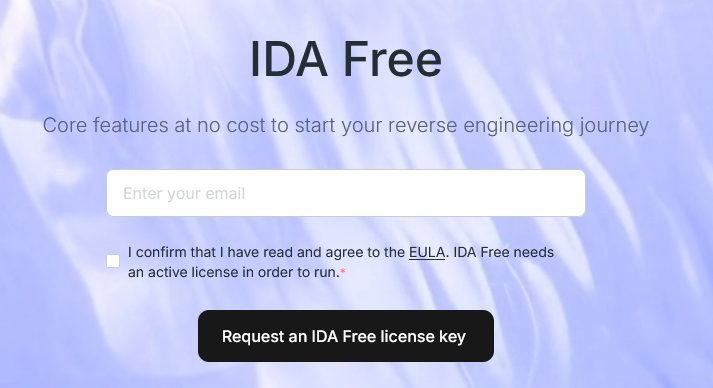
Visit the IDA Free page ( https://hex-rays.com/ida-free ) and enter your email to request a license key.
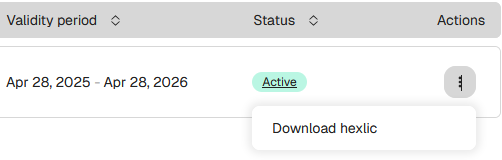
After requesting a license, you can download the "hexlic" file for the “IDA Free” license from https://my.hex-rays.com/dashboard/licenses .
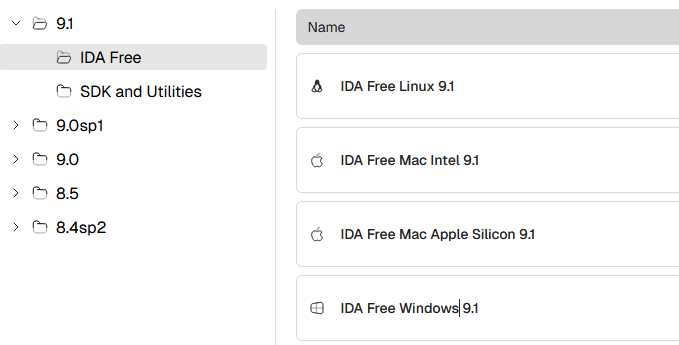
Download the IDA Free installer for your platform from https://my.hex-rays.com/dashboard/download-center/9.1/ida-free . Once you've installed it, copy the ".hexlic" file into IDA's installation directory.
In this section, we introduced IDA and how to install it. In the next section, we will explore working with different IDA views.