 Mini-Module
Summary
The Browser Forensics module is designed for incident Responders and Incident Responder candidates. Throughout this module, students will develop ability to extract browser artifacts, the ability to investigate browser evidences, and an understanding of how to user browser data for the IR process.
Recommended prior knowledge:
- Knowing the fundamentals of security
Introduction to Browser Forensics
Browser forensics is a type of digital forensics analysis that involves examining web browsers and their associated artifacts in order to extract evidence that can be used in a legal proceeding. This type of analysis can be useful for investigating threats such as insider threats, a cause of compromise, data exfiltration.
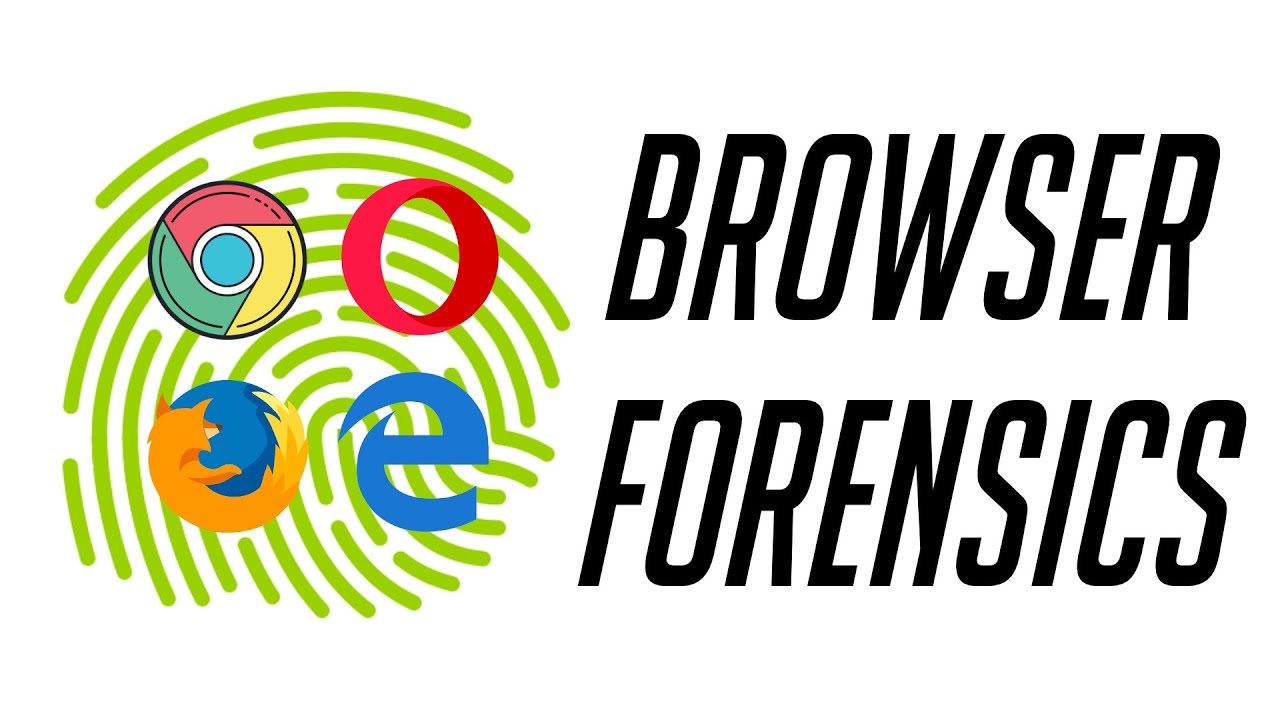
The process of browser forensics typically involves the extraction and examination of web browser history, cache, and cookies.
Web browser history is a record of the websites that a user has visited and can provide important information about the user's online activities.
Cache is a temporary storage area for web content, such as images and text, that is used to speed up the loading of websites.
Cookies are small pieces of data that are stored on a user's computer and can be used to track the user's online activities.
In addition to analyzing these artifacts, forensics analysts should also examine web browser extensions, which are small programs that can be added to a web browser to add new features or functionality. Extensions can be used for a variety of purposes, including improving the user experience, enhancing security, or tracking online activities. We will discuss these and some more artifacts in detail in the coming sections.
Scope and Objectives
The goal of browser forensics is to provide investigators with a clear picture of the events that occurred on a computer or device and to help establish a timeline of those events. This can be particularly helpful in case of an incident where analysts can analyze a user's browser activity to determine root cause of an incident like a malicious website visited or a phishing link clicked. By carefully examining the artifacts left behind by web browsers, forensics analysts can gain valuable insights into a user's online activities and can provide important evidence in a legal proceeding.
Browser forensics can also be valuable for investigators looking to understand the details of an attack on a computer or a device. By examining the artifacts left behind by the web browsers, forensics analysts can gain insights into how an attack was conducted and can help identify the source of malware, adware, spyware, malicious emails, and phishing websites.
There are many different web browsers available, including Chrome, Firefox, Safari, Internet Explorer, and Opera, and the specific browser being used can impact the forensics analysis, however we will be conducting this exercise with Chrome browser.
In addition to its role in the criminal investigations, browser forensics can also be used in civil cases and in other legal proceedings where the examination of web browser artifacts may be relevant. For example, browser forensics can be used to investigate potential instances of workplace harassment or to uncover evidence of intellectual property theft. Overall, the role of browser forensics is to provide investigators with a thorough understanding of a user's online activities and to help uncover evidence that can be used in legal proceedings.
A Typical Scenario
A company has reported that sensitive customer information has been leaked to a competitor. The company's IT department has conducted an initial investigation and identified a potential suspect who is a current employee of the company. The IT department has asked a forensics analyst to examine the employee's computer to determine if there is any evidence of the employee leaking the sensitive information.
The forensics analyst started a forensics image of the employee's computer. He first extracted the web browser history, cache, and cookies from the user’s computer by using forensics acquisition tools like FTK imager, Encase, Autopsy, etc. The analyst also examines the user's web browser extensions to determine if any of them could be leveraged for the stealing of sensitive information.
The analyst found that the employee had visited the competitor's website multiple times and had also been using a web browser extension that allows users to easily share files. Based on this information, the forensics analyst is able to establish that the employee had been using the company's computer to leak sensitive customer information to the competitor. The analyst provides this information to the company's IT department, which will support the company’s legal proceeding’s as an evidence related to the employee's actions.
At the end of the module, you will be given 2 different cases related to browser forensics to test your skills learned in the module.