 Mini-Module
Summary
The AWS CloudWatch module is designed for cybersecurity professionals seeking specialized knowledge in cloud security, Cloud architects and engineers responsible for designing and implementing secure AWS environments, and IT professionals aiming to enhance their skills in threat detection and incident response within the AWS CloudWatch ecosystem. Throughout this module, students will develop advanced proficiency in leveraging AWS CloudWatch for cybersecurity purposes and acquire hands-on experience in real-time threat detection, incident response, and security monitoring within AWS environments.
Recommended prior knowledge:
- Familiarity with cybersecurity concepts and best practices
- Basic understanding of AWS cloud services and infrastructure
Introduction to AWS
AWS, or Amazon Web Services, is a comprehensive and widely-used cloud computing platform provided by Amazon.com. It offers a variety of cloud services, including computing power, storage options, networking, databases, machine learning, analytics, and more, all delivered over the internet.
Here are some key aspects of AWS:
1. Compute Services:
-
Amazon EC2 (Elastic Compute Cloud): Provides scalable virtual servers in the cloud.
-
AWS Lambda: Allows you to run code without provisioning or managing servers, following the serverless computing model.
2. Storage and Databases:
-
Amazon S3 (Simple Storage Service): Object storage service offering scalable storage for files, images, and data.
-
Amazon RDS (Relational Database Service): Managed relational database service supporting various database engines like MySQL, PostgreSQL, and SQL Server.
-
Amazon DynamoDB: NoSQL database service for applications that need seamless and predictable performance at any scale.
3. Networking:
-
Amazon VPC (Virtual Private Cloud): Lets you create isolated networks within the AWS cloud.
-
Amazon Route 53: A scalable Domain Name System (DNS) web service designed to route end-user requests to endpoints.
4. Developer Tools:
-
AWS CodeDeploy: Automates code deployments to any instance.
-
AWS CodePipeline: Helps you automate your software release process.
5. AI and Machine Learning:
-
Amazon SageMaker: A fully managed service that enables developers to build, train, and deploy machine learning models.
-
Amazon Polly: Text-to-speech service that uses deep learning technologies to synthesize speech that sounds like a natural human voice.
6. Analytics:
-
Amazon Redshift: Fully managed, petabyte-scale data warehouse service in the cloud.
-
Amazon QuickSight: Business analytics service to build visualizations, perform ad-hoc analysis, and get insights from diverse datasets.
7. Security and Identity:
-
AWS Identity and Access Management (IAM): Allows you to manage access to AWS services and resources securely.
-
Amazon Inspector: Automated security assessment service to help improve the security and compliance of applications deployed on AWS.
8. Internet of Things (IoT):
- AWS IoT Core: Managed cloud service that lets connected devices interact easily and securely with cloud applications and other devices.
9. Content Delivery and CDN:
- Amazon CloudFront: Content delivery network (CDN) service that securely delivers data, videos, applications, and APIs to customers globally.
AWS provides flexibility, scalability, and cost-effectiveness for businesses of all sizes. It's widely used by startups, enterprises, and individuals for various purposes, including hosting websites, running applications, storing data, and leveraging advanced technologies like machine learning and big data analytics. AWS also offers a free tier with limited services for users to get started and explore the platform without incurring charges.
Create AWS Account
1. Visit the AWS Website:
Go to the AWS official website by typing ‘aws.amazon.com’ in your web browser.
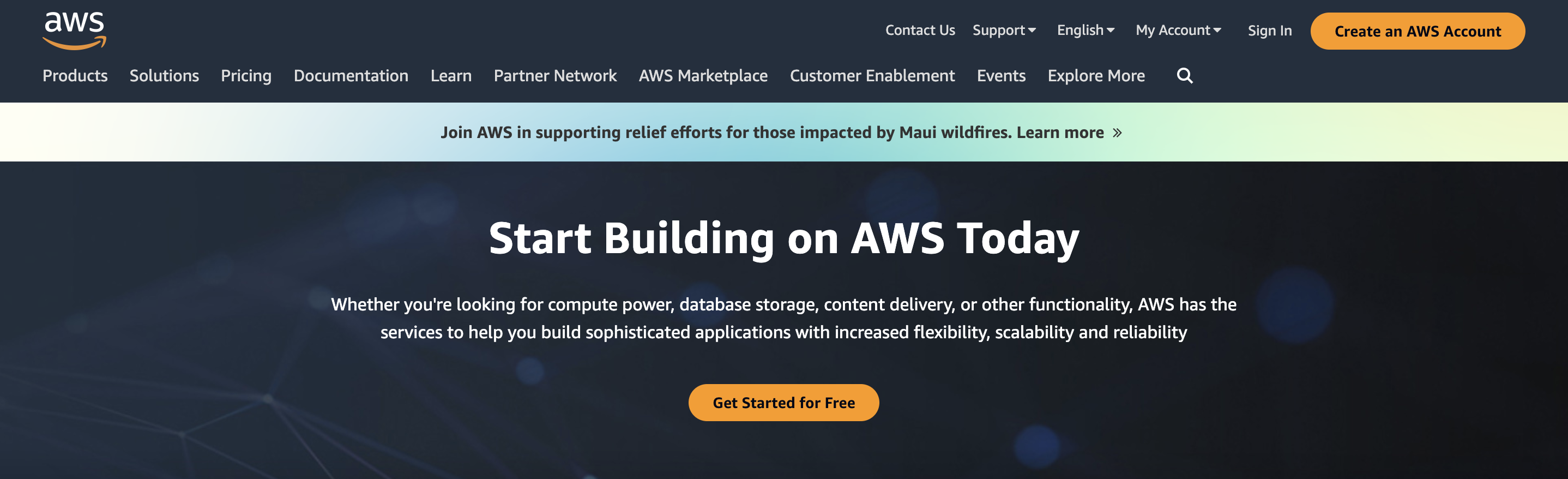
2. Click on "Create an AWS Account":
On the AWS homepage, click on the "Create an AWS Account" button.
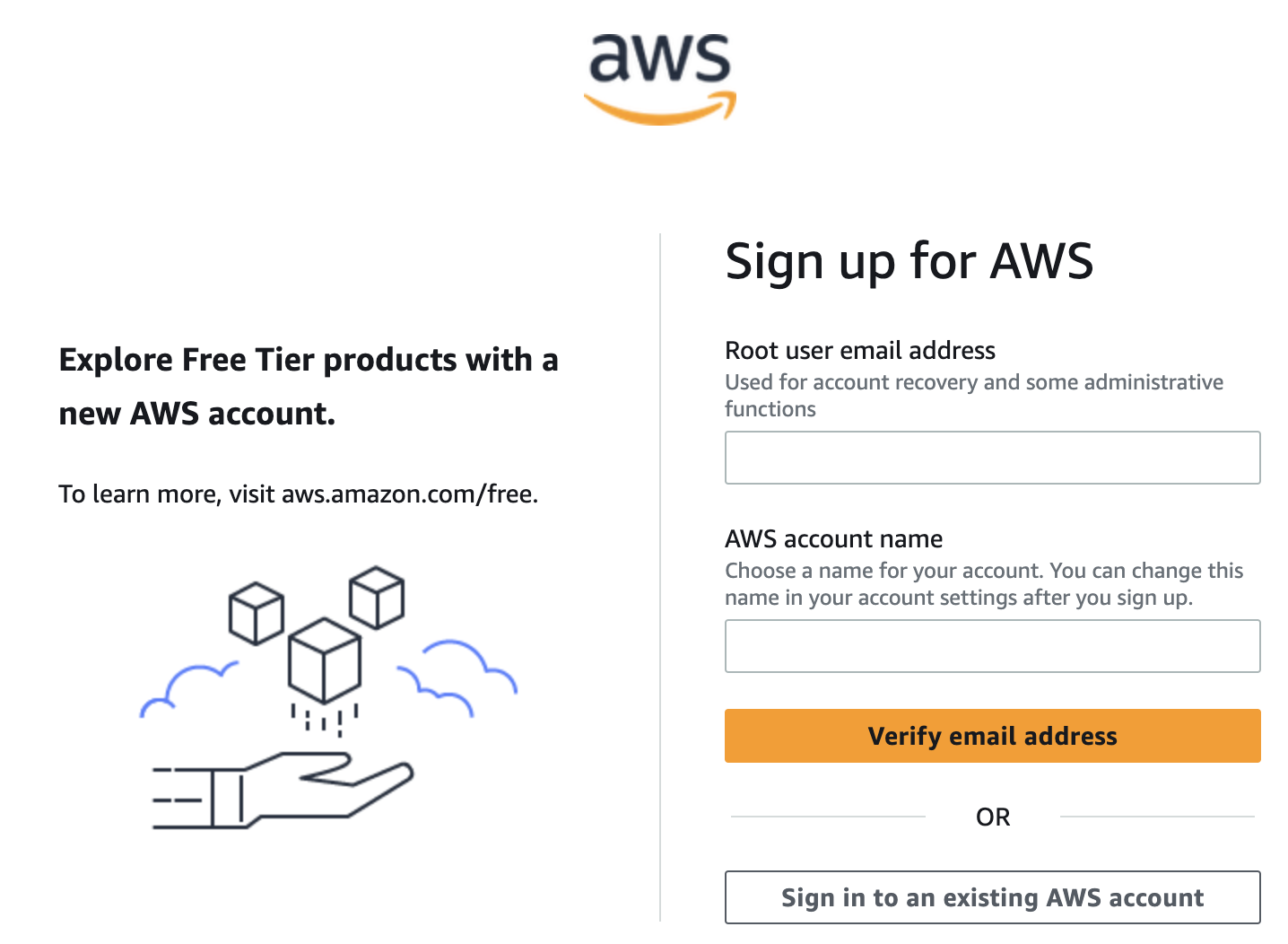
3. Sign in to Your Amazon Account:
If you already have an Amazon.com account, you can sign in with your existing Amazon credentials. If you don't have an Amazon.com account, you'll need to create one. Follow the prompts to enter your email address and create a password.
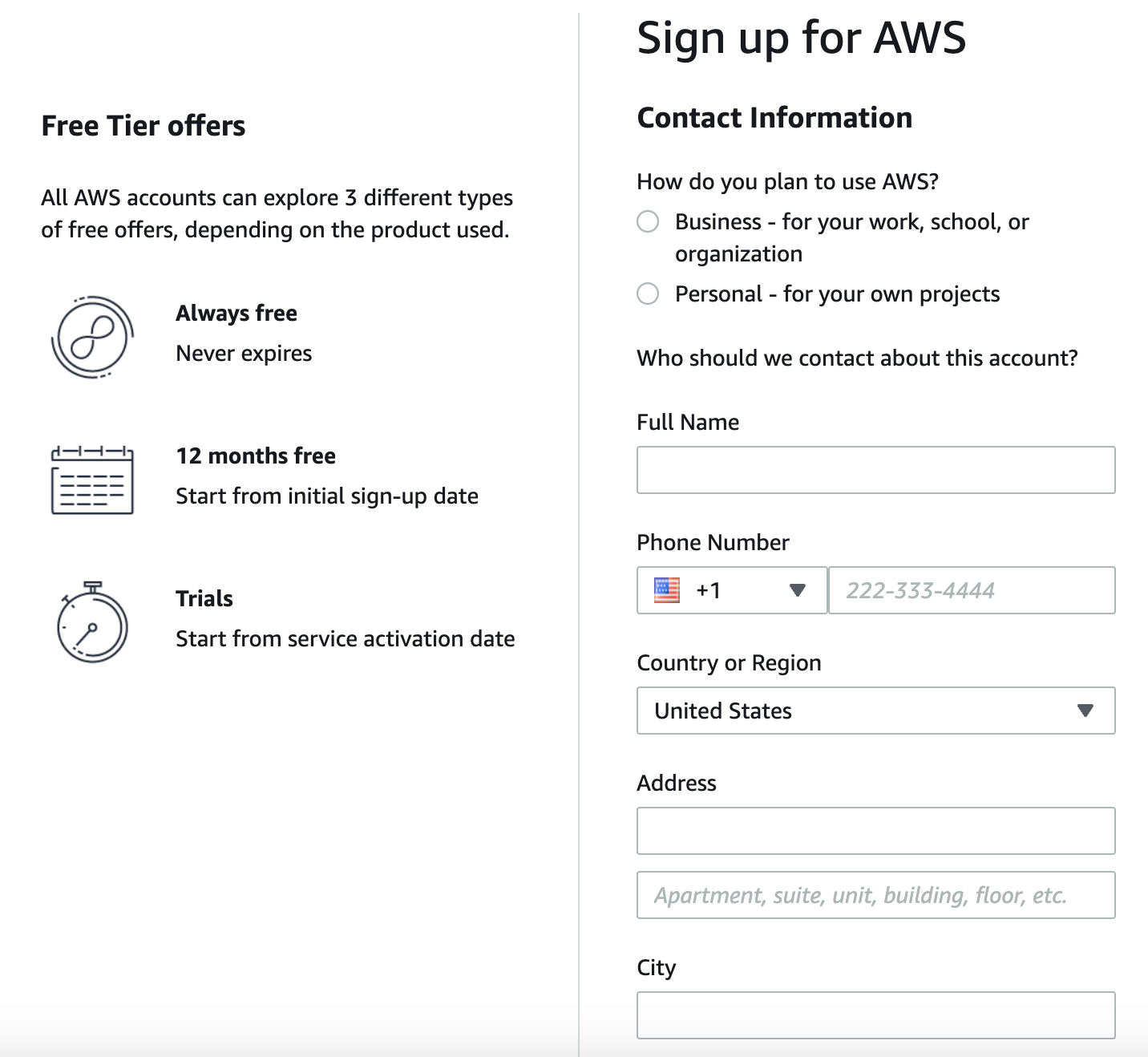
4. Provide Account Information:
You'll need to provide some basic information, including your contact details and payment information. AWS requires a credit card or debit card to verify your identity, even if you're signing up for the free tier. However, most services within the free tier have limits that are unlikely to incur charges unless you exceed them.
5. Choose a Support Plan:
AWS offers different support plans. If you're just getting started, you can choose the free support plan. If you need more advanced support options, you can choose one of the paid plans.
6. Verify Your Phone Number:
AWS will require you to verify your phone number by either receiving a text message or a phone call with a verification code. Enter the code to verify your phone number.
7. Setup Two-Factor Authentication (Optional but Recommended):
Setting up two-factor authentication (2FA) enhances the security of your AWS account. You can set it up during the registration process or after your account is created.
8. Complete the Registration:
Once you've provided all the necessary information, your AWS account will be created. You might need to wait a few moments for the account setup to complete.
9. Access the AWS Management Console:
After your account is set up, you can access the AWS Management Console, which is the web-based interface for managing your AWS resources. You can start creating and managing services from here.
Remember to follow AWS's best practices for security, such as not sharing your access credentials, setting up proper permissions, and enabling billing alerts to monitor your usage. Good luck with your AWS learning journey!
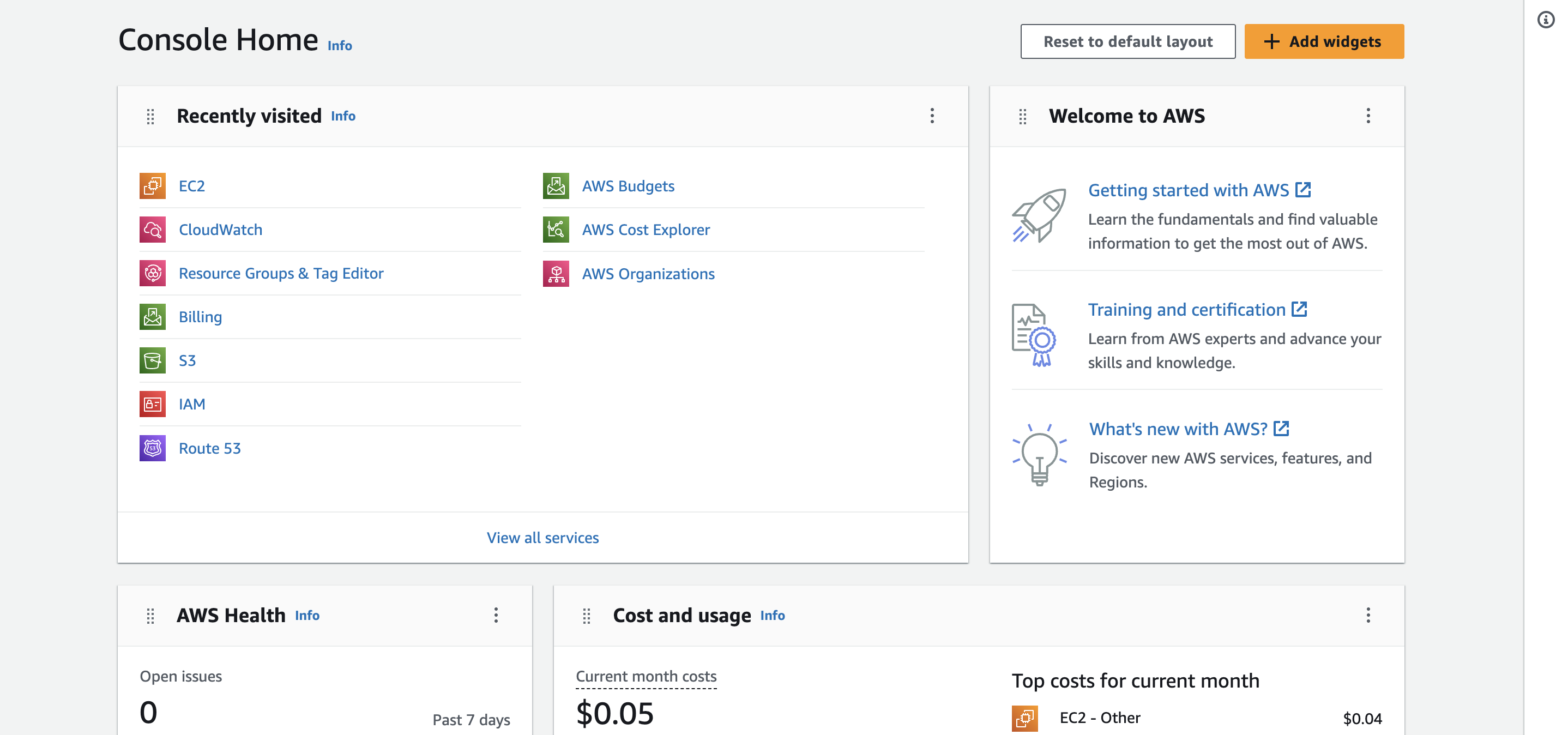
This part of the training provides a brief introduction to AWS. In the next part of the training, Introduction to CloudWatch is explained.